
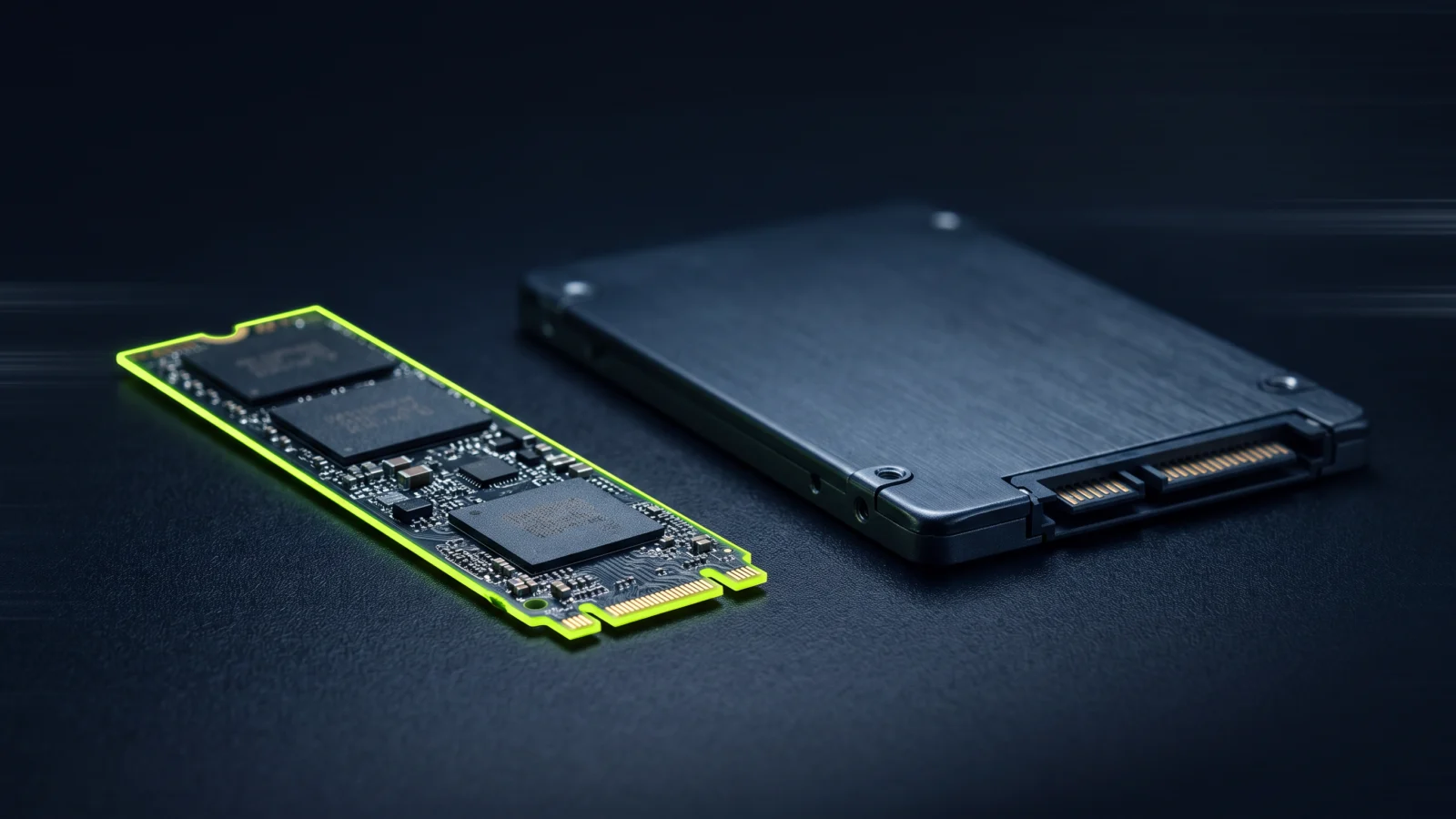
Almost every web host now advertises “SSD” – some advertise “NVMe”. Sounds similar, but there’s a clear difference. Here we explain what NVMe actually is, why WordPress benefits from it and what you should look for when choosing your hosting.
SSD and NVMe: What’s the difference?
Both are flash storage with no moving parts, which makes them much faster than classic hard disk drives (HDD). The difference lies in the interface:
- SATA SSDs use the SATA interface, which was originally developed for hard drives. It’s limited to around 550 to 600 MB/s and works with a single command queue for up to 32 commands.
- NVMe SSDs are connected directly via PCI Express. Modern drives reach several gigabytes per second and can process up to 65,535 queues with up to 65,536 commands each in parallel.
In short: SATA is a single-lane country road, NVMe is a multi-lane highway.
Why does this matter for WordPress?
With WordPress, it’s less about large files and more about lots of small simultaneous accesses. Every page request loads dozens of PHP files and runs numerous database queries. This is exactly where NVMe shines:
- Lower latency: every single access is answered faster.
- More parallel access: even when lots of visitors arrive at once, the site stays responsive.
- Faster database: MySQL or MariaDB benefits directly from fast reads and writes – for example with WooCommerce, search features or lots of posts.
- Smoother editor: page builders like Elementor load many files in the editor. With NVMe, you wait noticeably less.
What does it do for Google?
Load time feeds into Google rankings via the Core Web Vitals. A key factor is “Time to First Byte” (TTFB): the time until the server delivers its first response. Fast storage cuts exactly this server time. NVMe alone won’t turn a poorly optimized site into a fast one – but it’s the foundation that all other optimizations build on.
NVMe isn’t everything
A fast WordPress site depends on several factors working together:
- Web server: NGINX serves static files such as images, CSS and JavaScript particularly efficiently.
- OPcache: keeps compiled PHP code in memory instead of recompiling it on every request.
- Current PHP: PHP 8.1 and newer runs WordPress much faster than older versions.
- Enough memory: especially for page builders – learn more in our article How to increase the Elementor memory limit.
- Server location: a data center in the EU means short routes to visitors from Europe.
What to look for in hosting
“SSD storage” in a plan description doesn’t automatically mean NVMe. Look for an explicit “NVMe” and make sure that really all storage – i.e. files and database – is on NVMe.
At servflix.com, all plans run on NVMe storage, combined with NGINX, OPcache, PHP 8.1+ and servers in the EU. You’ll find more details on our Performance page – or go straight to the plans, from €10 per month and cancel monthly.